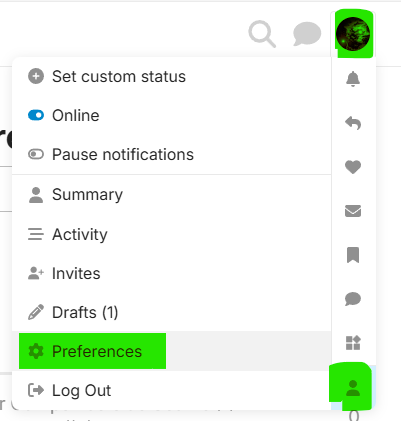
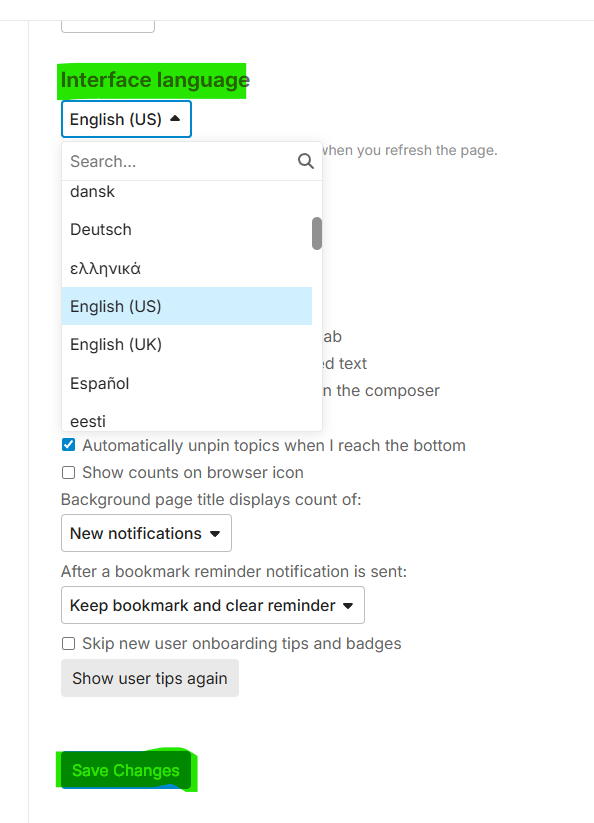
Here are the three steps you can change the language of Ascension community UI
-
Go to your Profile: Click your account icon, then click the Profile (the little people icon) and then click the Preference menu item
-
Open the Interface page
-
Pick the right language for yourself and “Save Changes”